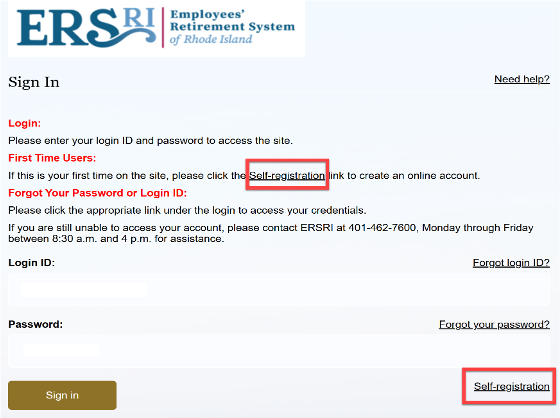
Article All members - whether you are Active, Deferred, or Retired - can click the ORANGE BUTTON on the banner to Login to My Account Registering the First TIme All users will need to re-register to access your account. Click the link for self-registration to begin the process. Download the How-To Register Guide For step-by-step instructions on self-registration, download the guide below The New ERSRI Member Portal How to Register and Login to the New ERSRI Member Portal Returning Portal Users Logging inOnce you have completed registration, access the portal by clicking on the words Sign InEnter your user ID (email address you provided) and your passwordNote: You will need access to the email account associated to your account in order to provide verification and complete the login process.